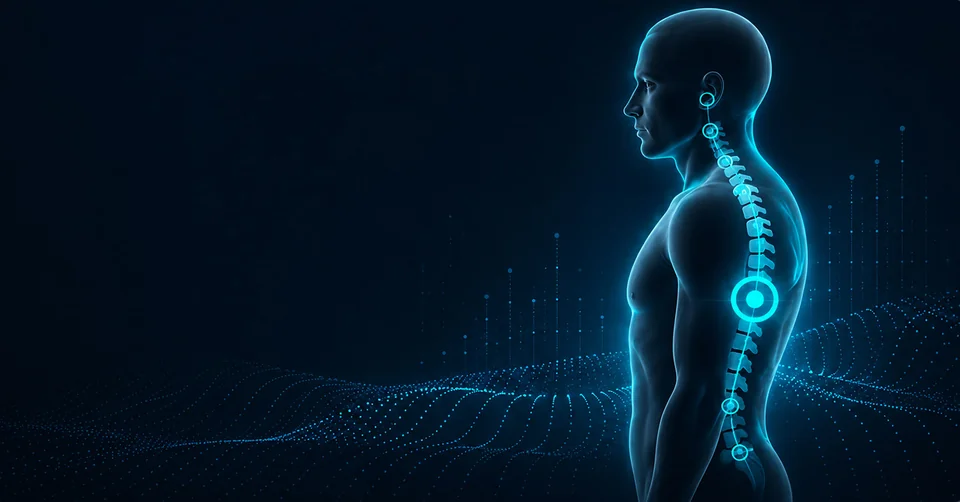
QUICK
Quick analysis
Use front and right-side photos. Review the automatic landmarks, adjust them if needed and get your results.
- 2views
- Auto landmarks
- Manual adjustment
 PAXPosture Analysis Expert
For Android
POSTURE ANALYSIS EXPERT
Turn photo landmarks into measurements, a history of observations and a clear PDF report.
 Download on RuStore
START WITH A PHOTO
Available for AndroidOpen PAX on RuStore
 Coming soonGoogle Play
CHOOSE YOUR MODE
Choose the level of detail you need.
Use front and right-side photos. Review the automatic landmarks, adjust them if needed and get your results.
Use front, back, both side views and a forward-bend photo. Get detailed measurements based on reviewed anatomical landmarks.
Review the automatic landmarks. Measurements are calculated from a two-dimensional photo.
FROM A PHOTO TO A HISTORY OF OBSERVATIONS
Automatic placement, manual adjustments, zoom and anatomical guidance.
Hide the face, remove the background and enable a grid in the editor.
Group reports by person, add notes and revisit earlier results.
Charts and tables show changes in measurements across comparable analyses.
Add your name, specialty, additional information and logo to your PDFs.
Bundle PDFs into a ZIP archive and export measurements as CSV for further use.
PRO Progress tracking, PDF personalization and bulk export are available with Pro. See the app for access terms and quotas.
A REAL PAX REPORT
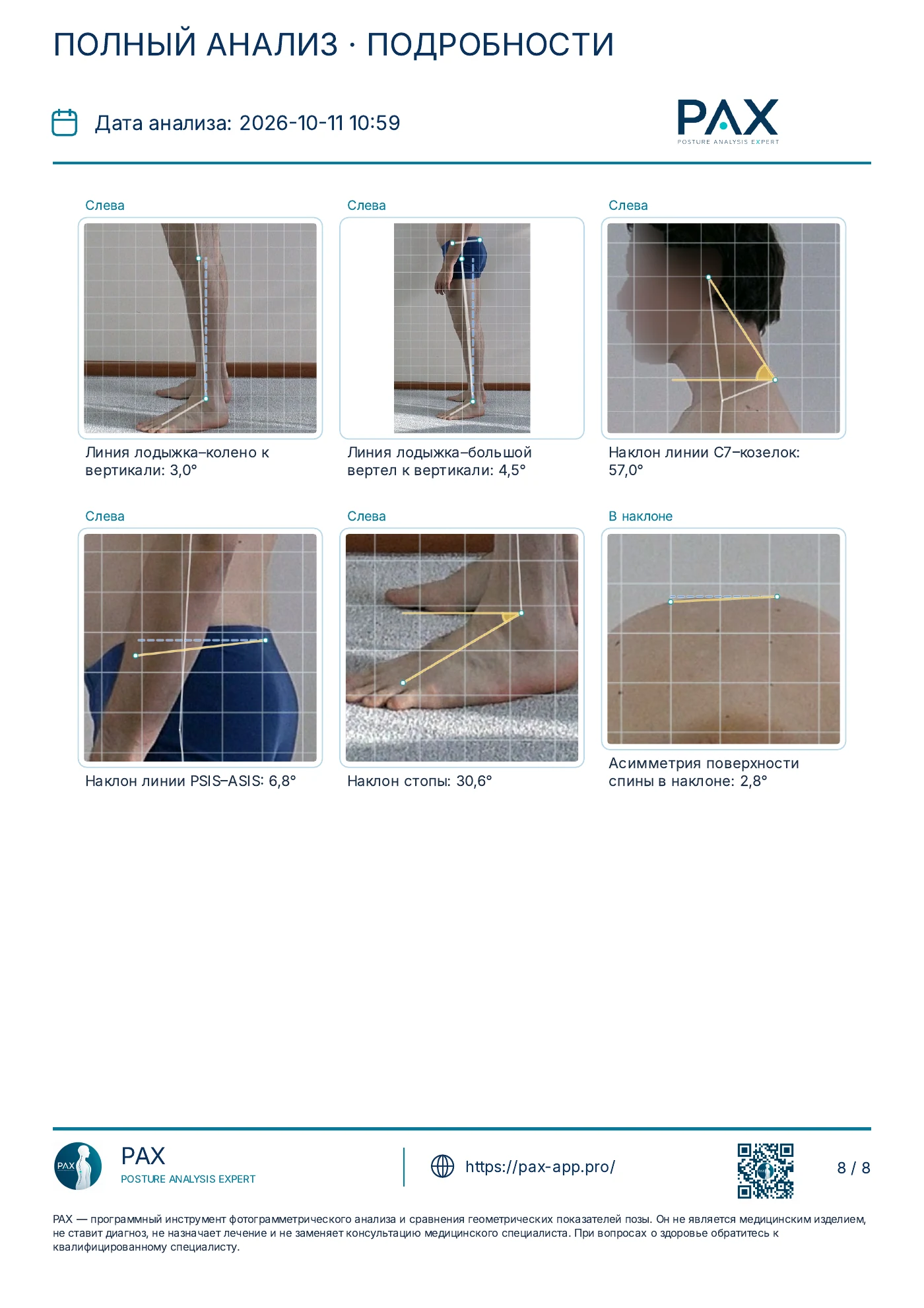
Photos, landmarks and values in one document. From an overview to each individual measurement.
Photos and history stay on your device. You can save important PDFs separately.
8 pages of a full analysis. Browse and open the details. Sample report shown in Russian.
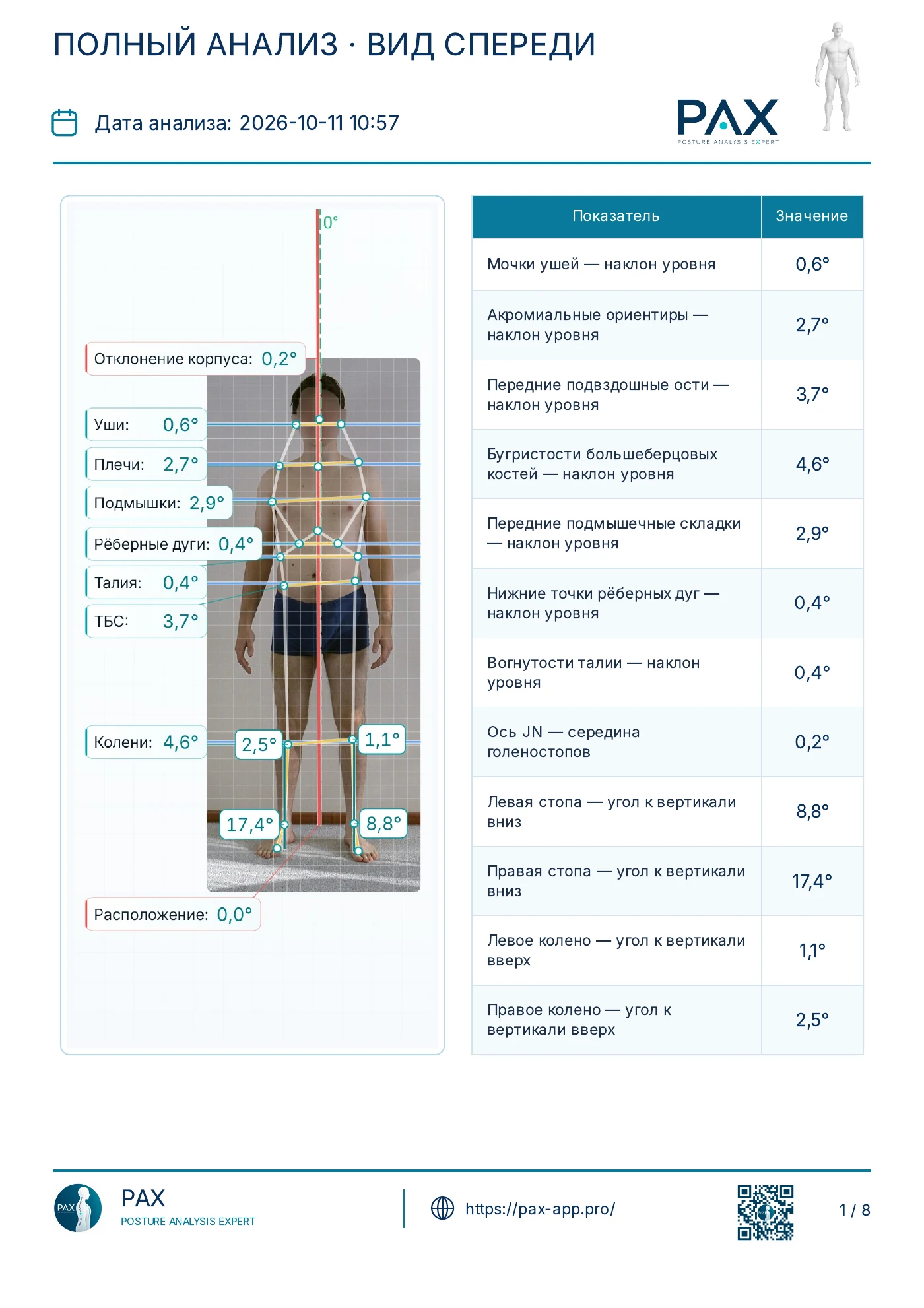
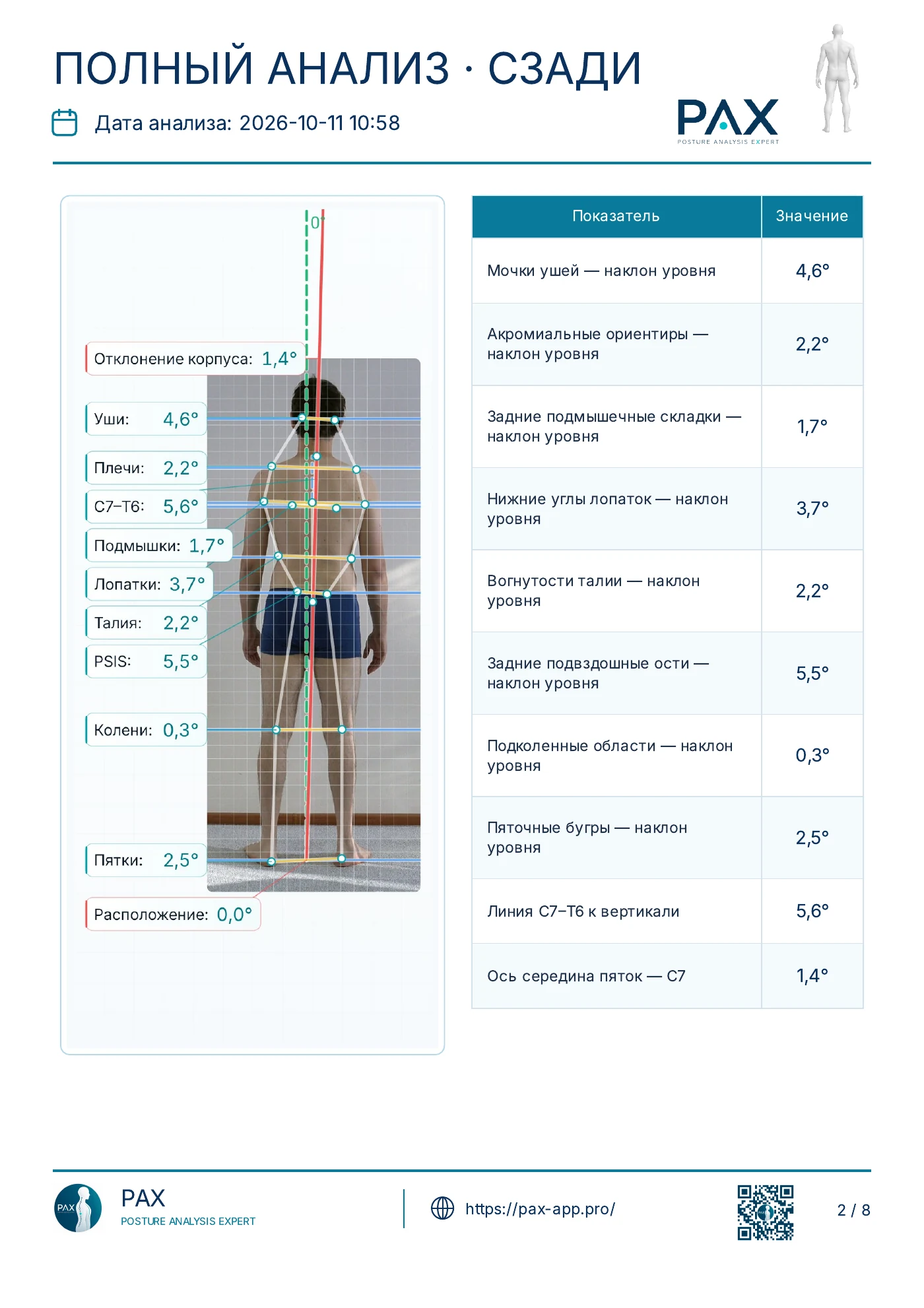
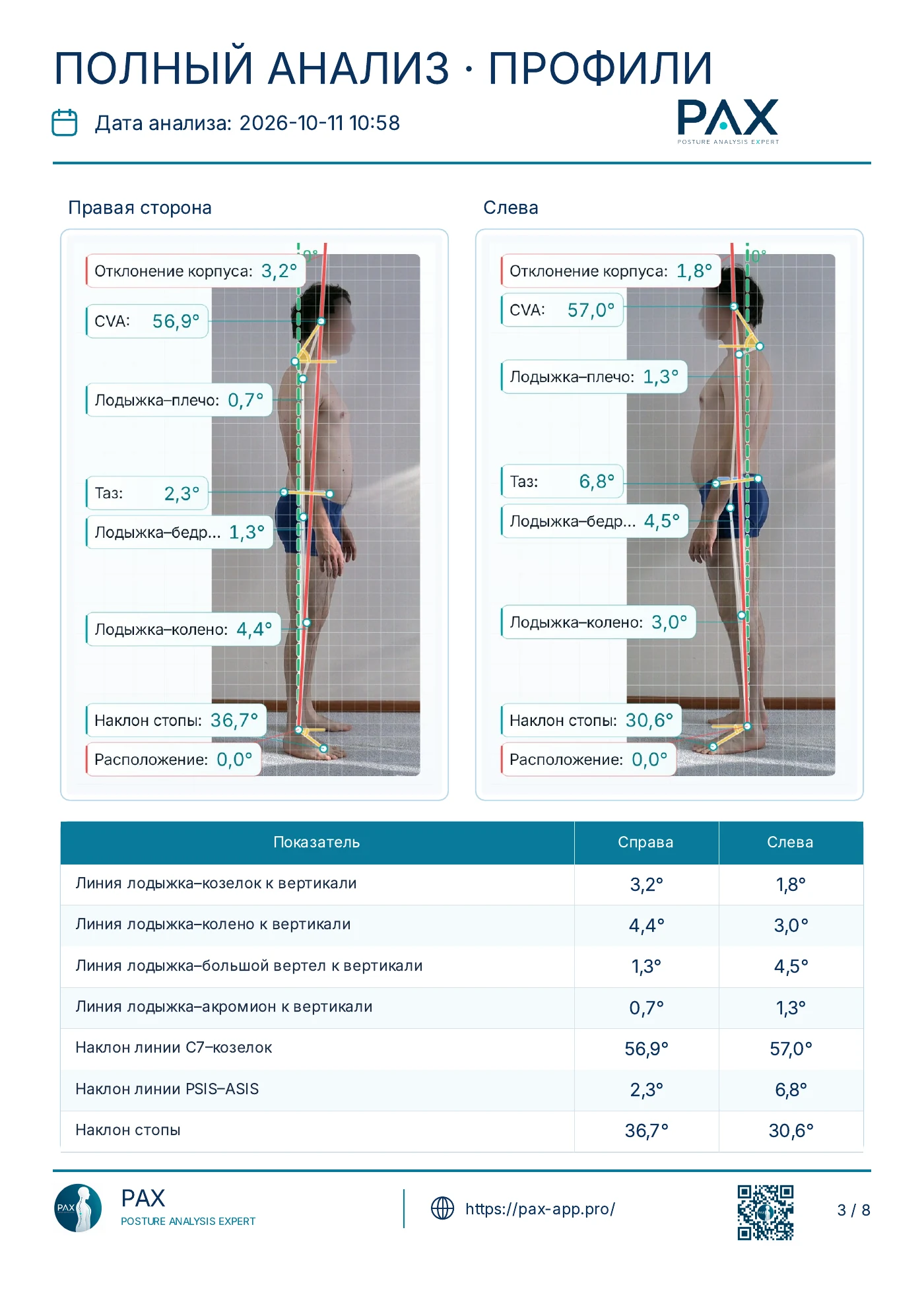
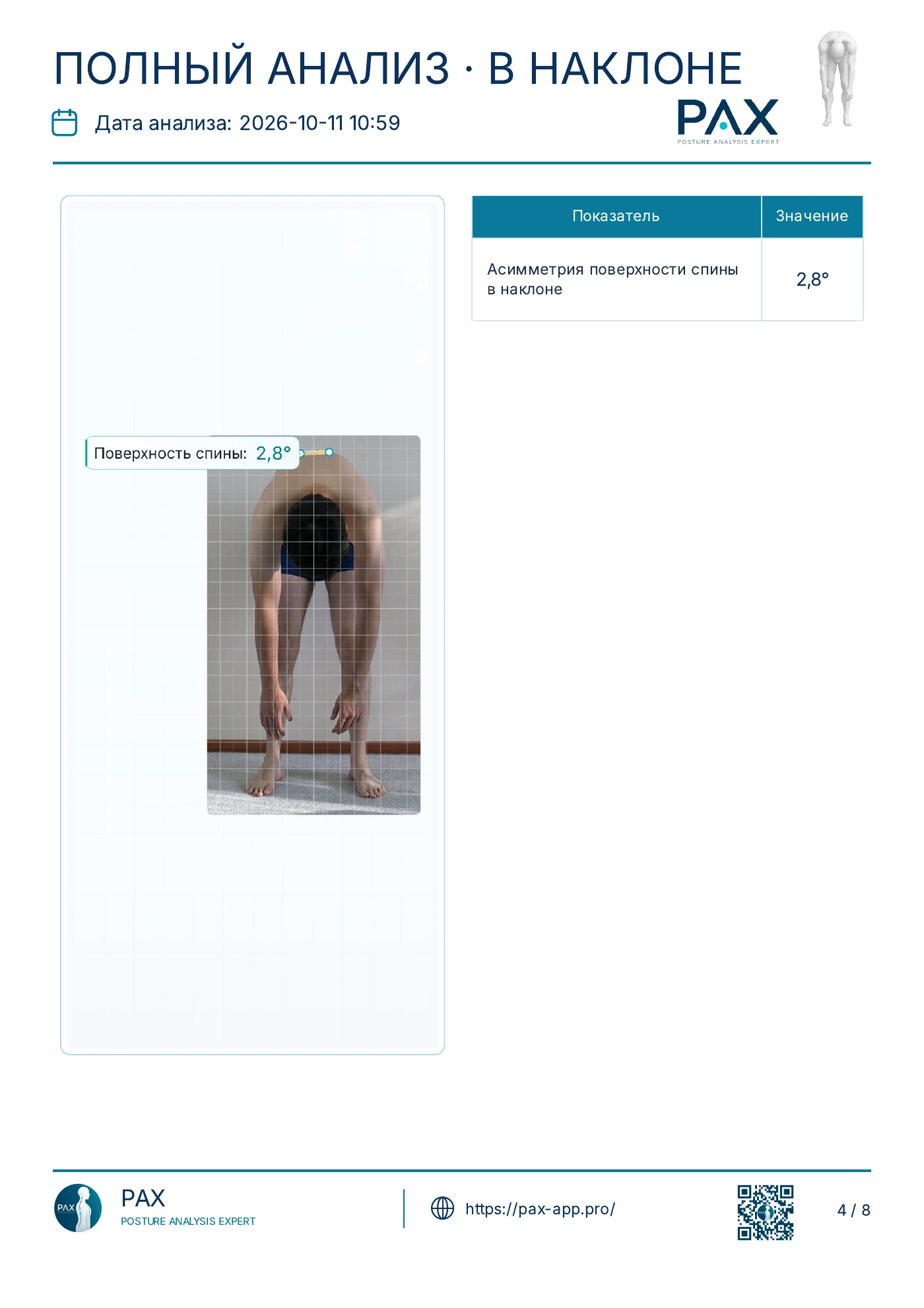
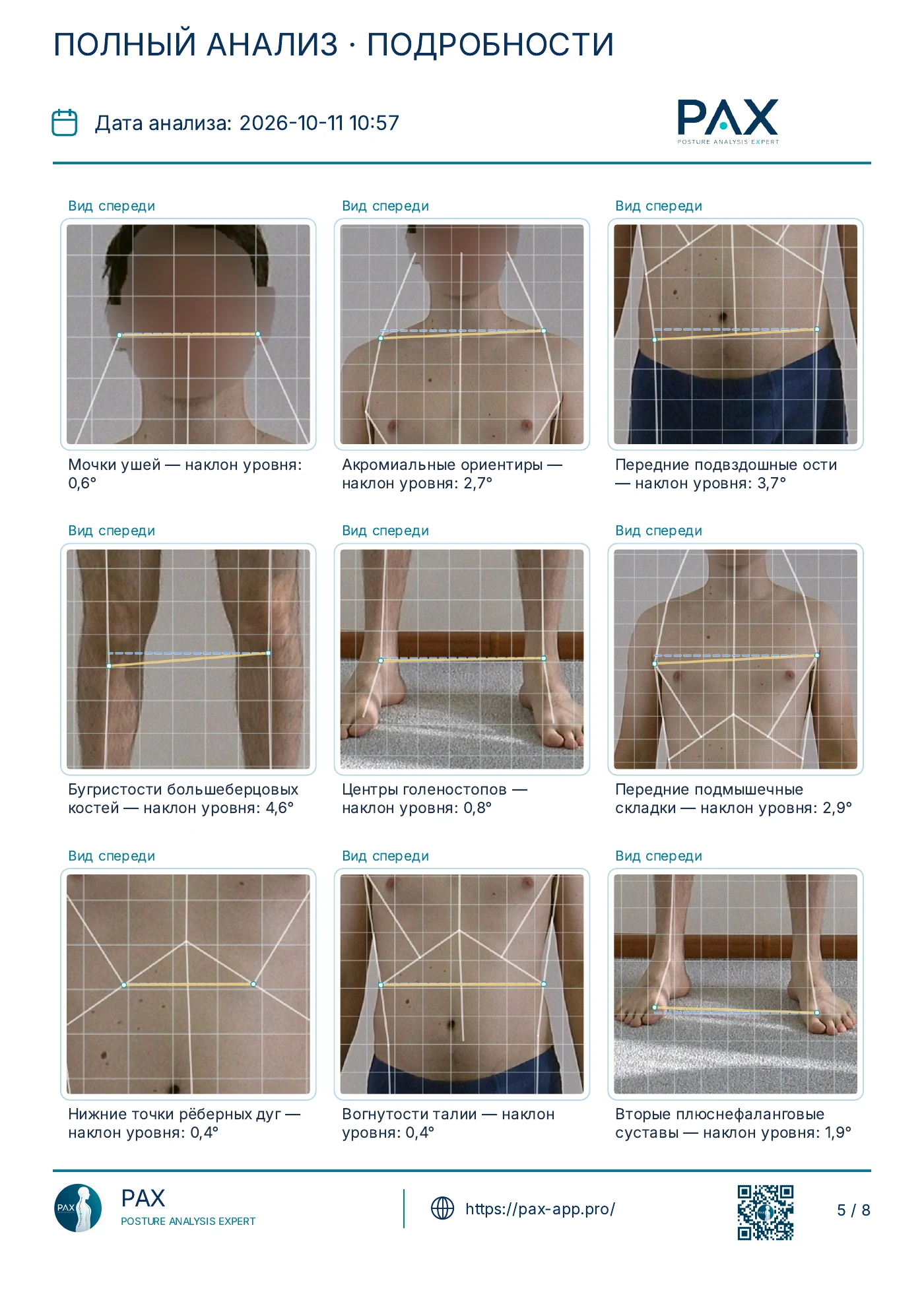
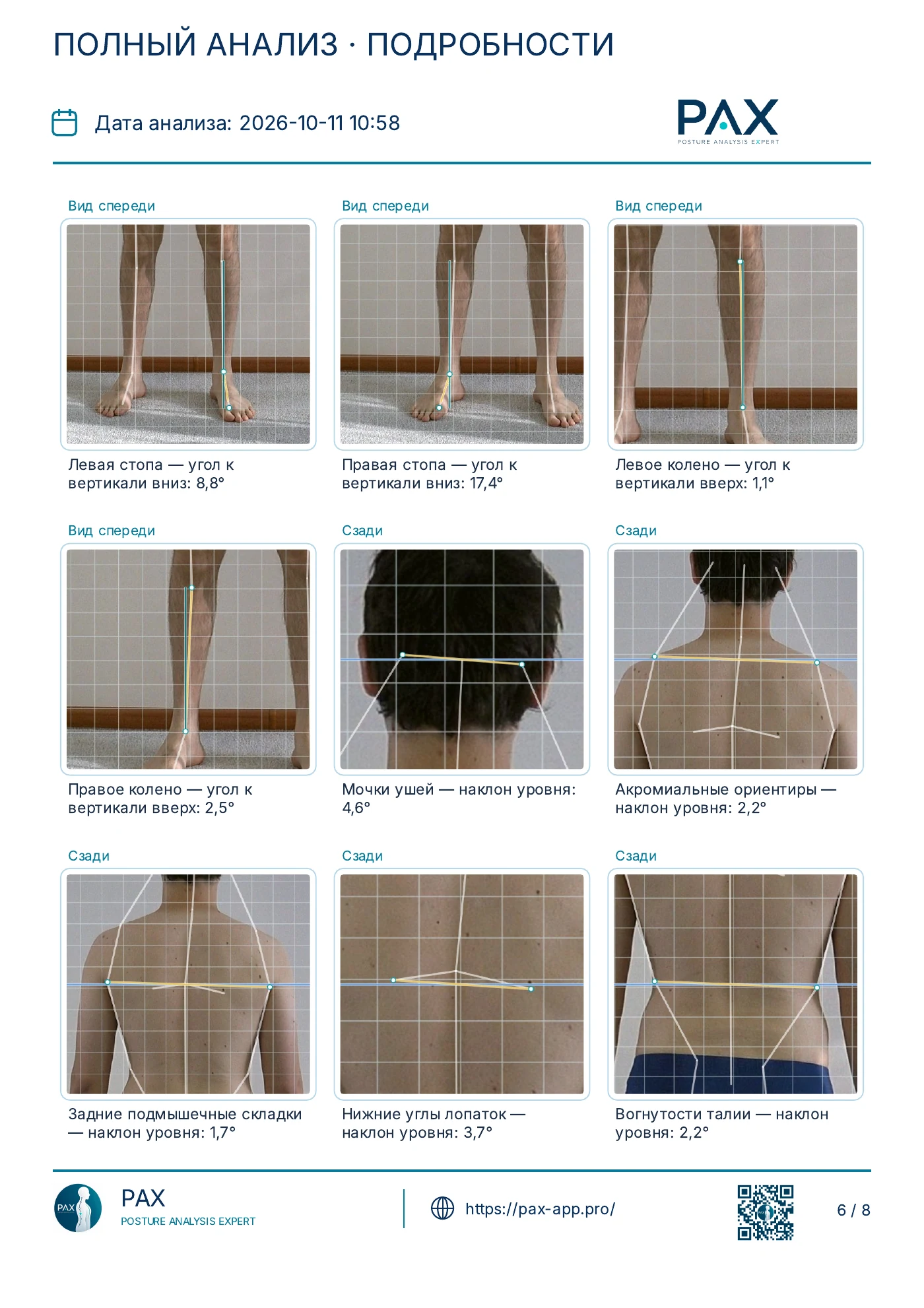
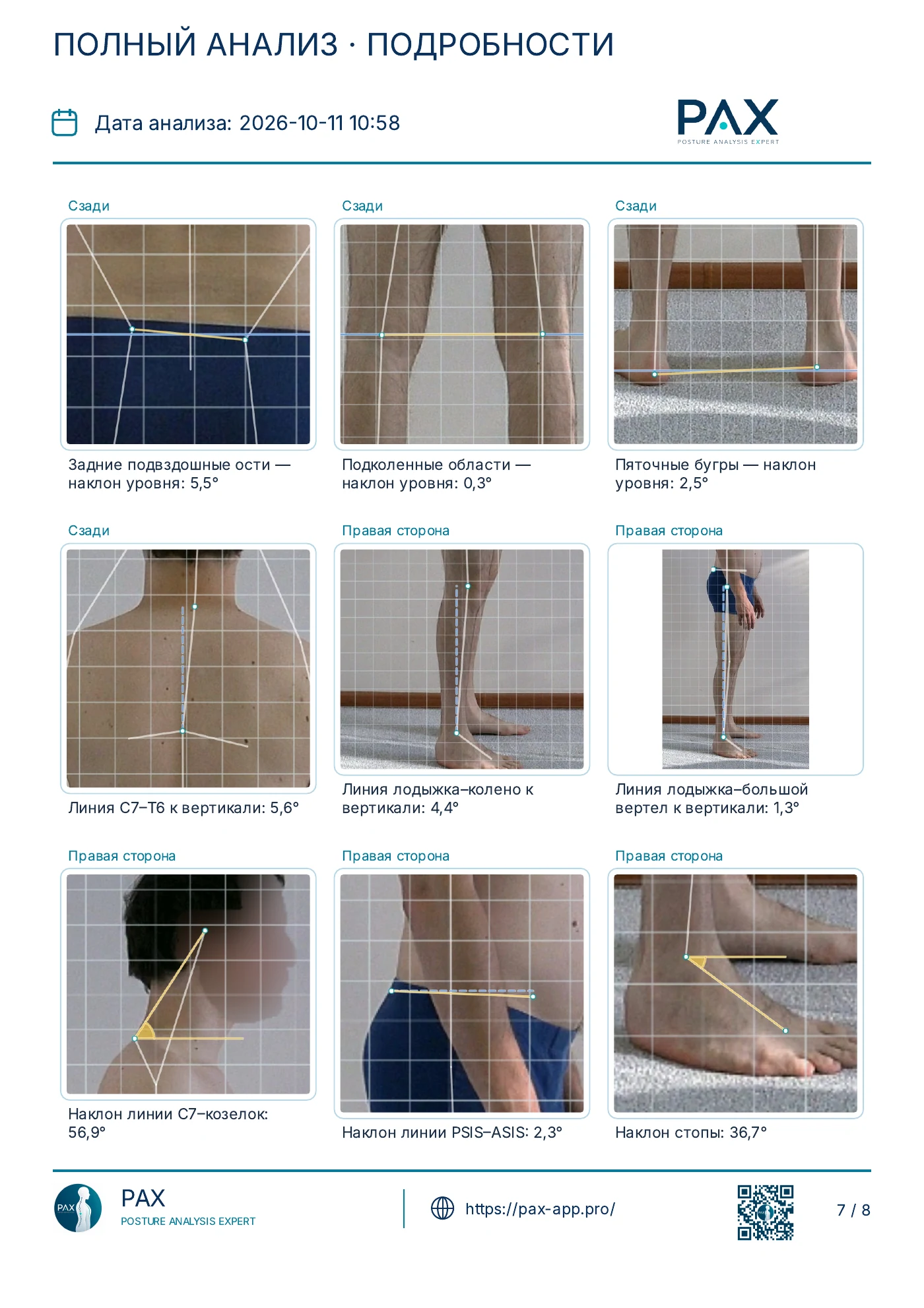
Page 1 of 8
THREE STEPS
Choose a photo or use the camera. Follow the tips for the right view and framing.
Adjust the anatomical landmarks. In full analysis, add any missing ones.
Review the measurements, save the PDF and add it to the relevant case.
GET IN TOUCH
Contact us about using the app and getting started.
info@pax-app.pro